
User list
Clicking on the “Users” icon in the navigation panel will take you to the list of current users in the repository.
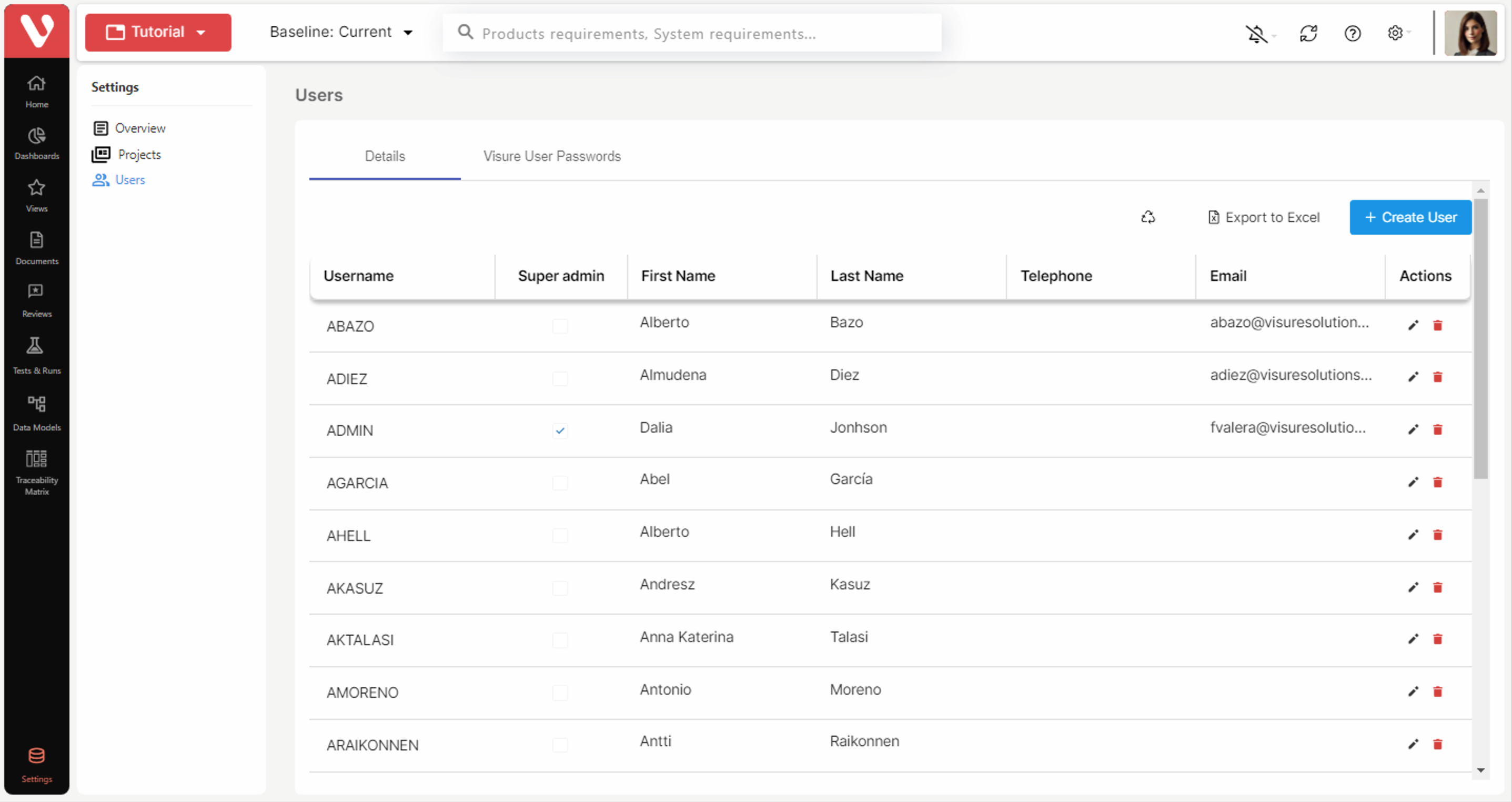
This list displays all the active users in the repository. The list of deleted, or inactive, users in the repository can be accessed by clicking on the restore button 
IMPORTANT NOTE: Deleted users are inactive and may not log in to Visure. However, items may continue referencing these users, for instance, in the history or change logs, and all of their information such as filters and views may still be shared. Once permanently destroyed, all of their references will be deleted and/or moved on to the ADMIN user where appropriate e.g. author of a change.