
Data models
Build and edit a data model
A data model defines which relationships are allowed between your documents — and therefore what traceability you can create between their items. Think of it as a whiteboard: you place documents on it and draw the connections that represent your traceability rules. If two documents aren't connected on a data model, you can't link their items.
Create a data model
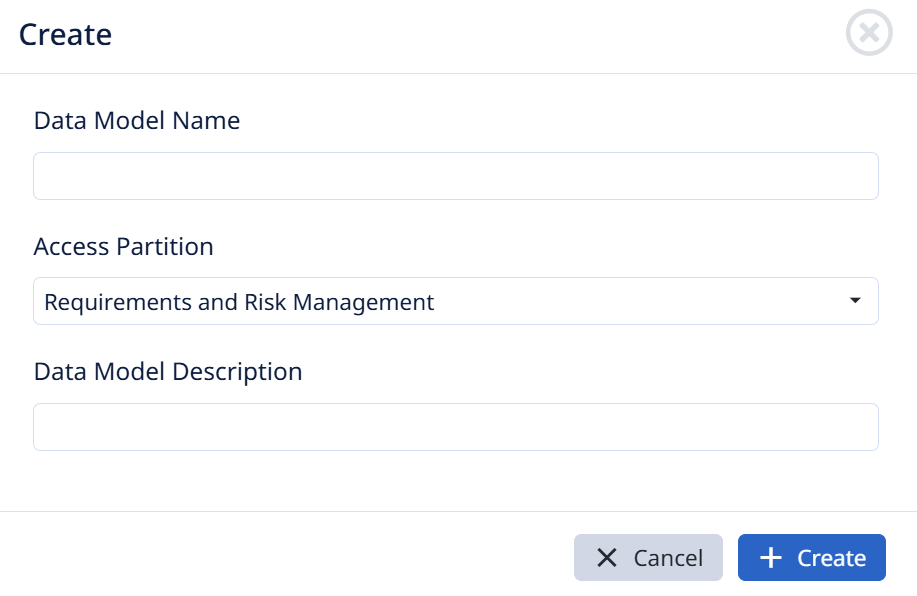
In the Data Models area, create a new data model and give it a name, an access partition, and a description.
Open or edit a data model
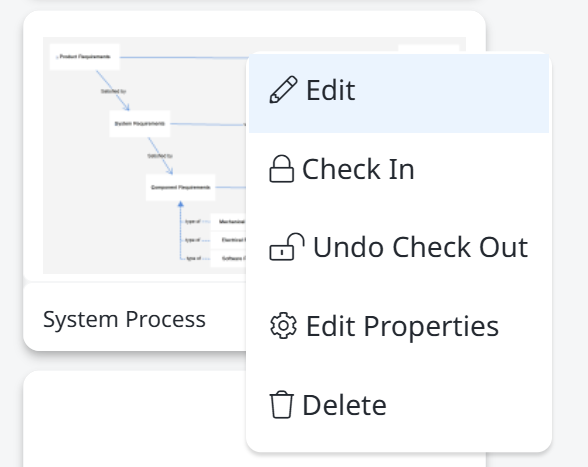
Click a data model to open it for viewing, or right-click it and choose Edit to make changes. The right-click menu also offers Check In, Undo Check Out, Edit Properties, and Delete.
Add documents to the canvas
In edit mode you're working on a blank whiteboard. You can add existing documents to it and create new ones right from here. Add at least two documents — a model with a single document has nothing to relate. You can add as many as you need, but keeping each model focused makes it far easier to read.
Important — use Exclude, not Delete. Every document on a data model is the same document as in the Document Section — it's not a copy. To take a document off the model, exclude it. Do not use Delete: deleting here removes the document from the entire database, not just from the diagram.
Connect documents to define traceability rules
Drag a document onto the canvas. Once it's there you can:
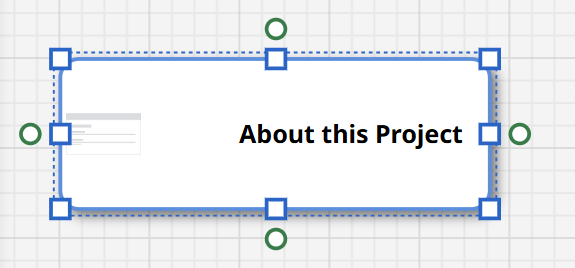
- Resize the box by dragging its blue handles.
- Draw a relationship — grab one of the green dots on the edge of the box and drag a connection to another document.
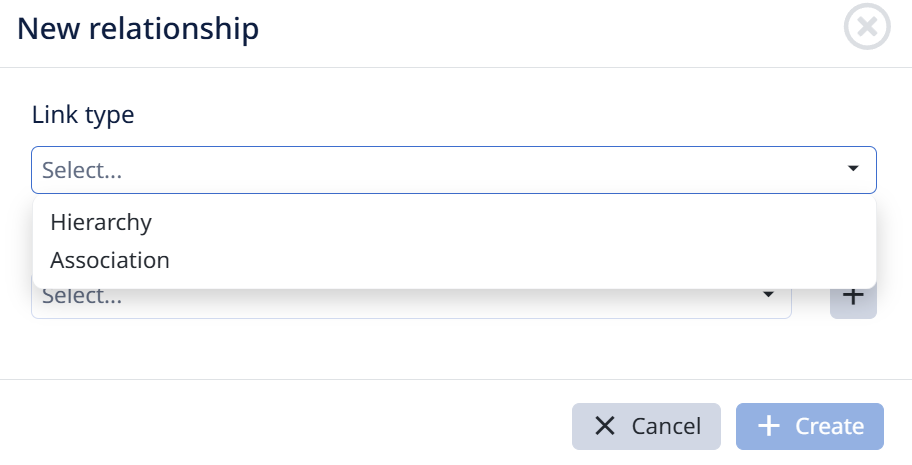
When you make a connection, the New relationship dialog opens. Choose the Link type:
- Hierarchy — a parent/child, folder-like nesting, where one document's items sit under another's.
- Association — a traceability relationship such as satisfies, related to, reviewed by, and so on.
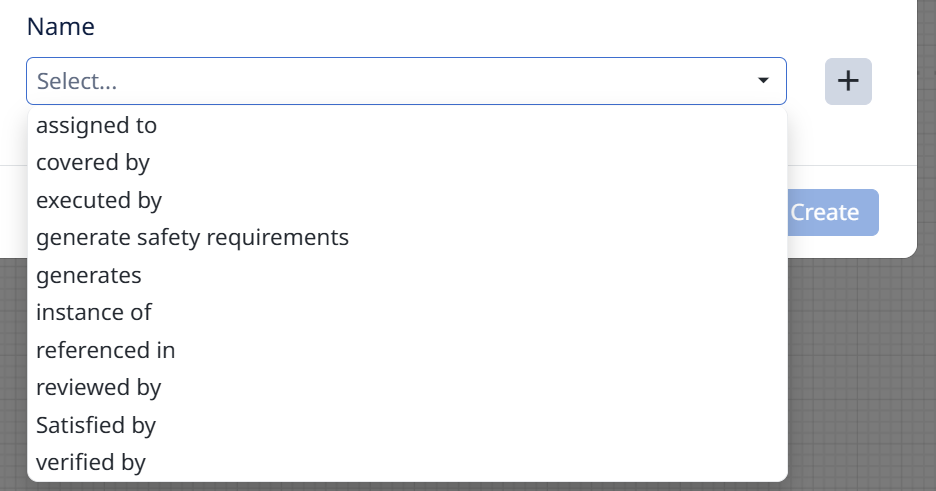
Then pick the specific link type (or add a new one with the + button) and click Create.
The relationships you draw here are what make item-level traceability possible. If a relationship between two documents isn't defined on the data model, you won't be able to link items across those documents — so the data model is the foundation everything else in traceability rests on.