
Who uses Visure: roles overview
Visure is built around four primary roles. You'll typically belong to one of them, but it's useful to know what the others do, because you'll work alongside them.
Project Administrators. Sets up the project, defines who can see what, decides on the attribute schema and link types, and signs baselines. They configure the workspace; the rest of the team works inside it. Tracks B and C of this course are aimed at this role.
Requirements Engineer. Captures and refines requirements. Spends most of the day in Document View and List View, creating items, adding attributes, and linking related work. Track A of this course is built for this role.
Tester. Verifies that requirements are met. Creates test plans, executes runs, files defects, and links each test result back to the requirements it verifies.
Review managers. Provides feedback through formal review sessions and inline approvals. Often a stakeholder from outside the core team — a customer, a safety officer, a regulator, or a senior engineer.
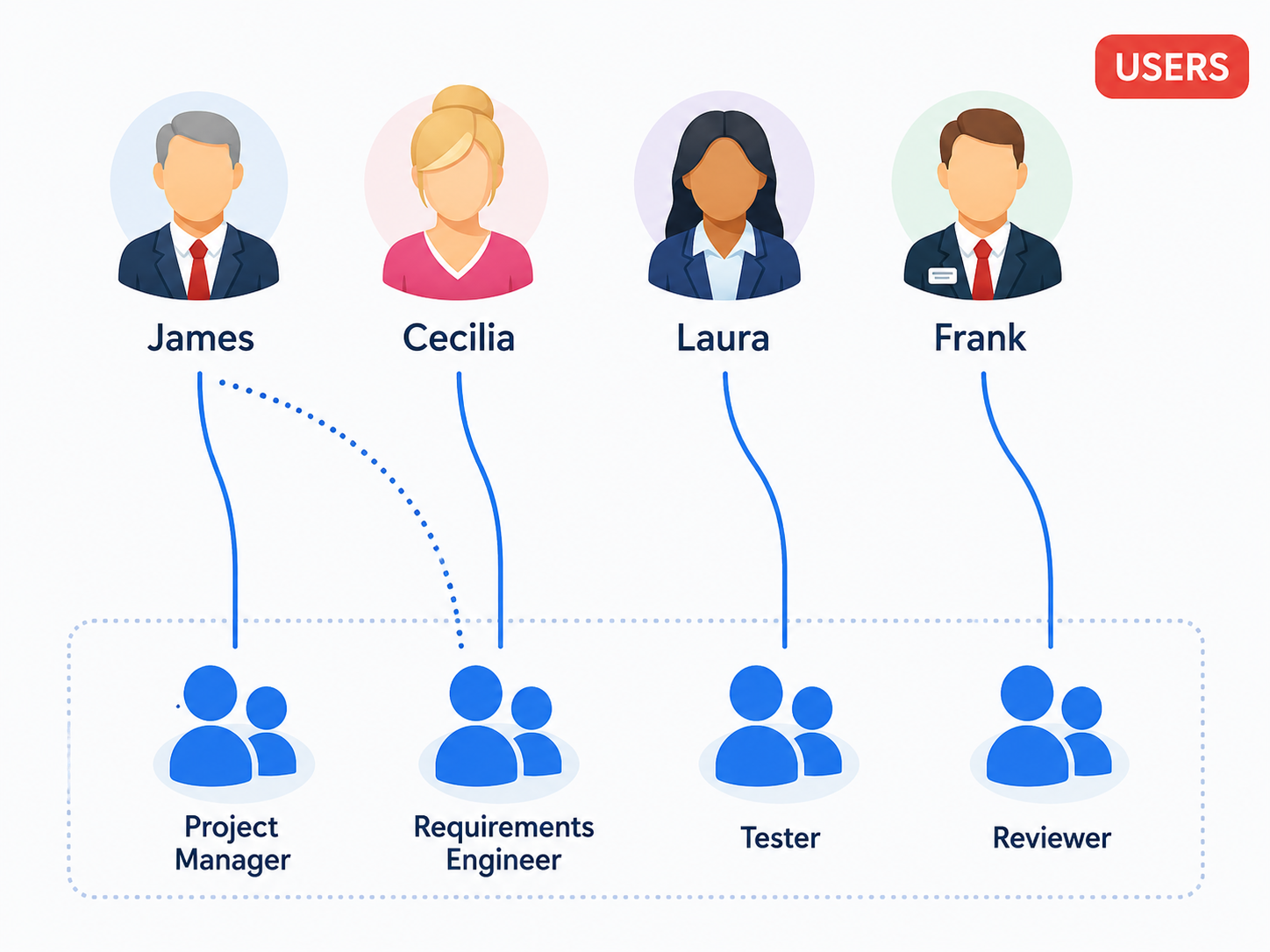
These are Visure's four default roles, but the model is configurable — a small team might have one person playing two or three roles, and a large project can add as many groups as needed (Safety Engineers, Suppliers, Compliance Officers, and so on). The next article briefly explains how that works under the hood.
If you don't know which role you'll be doing, the activity at the end of this section will help you pick a path through the course.
Read next: Roles, groups, and permissions in one minute · Where Visure fits in your toolchain