Partitions
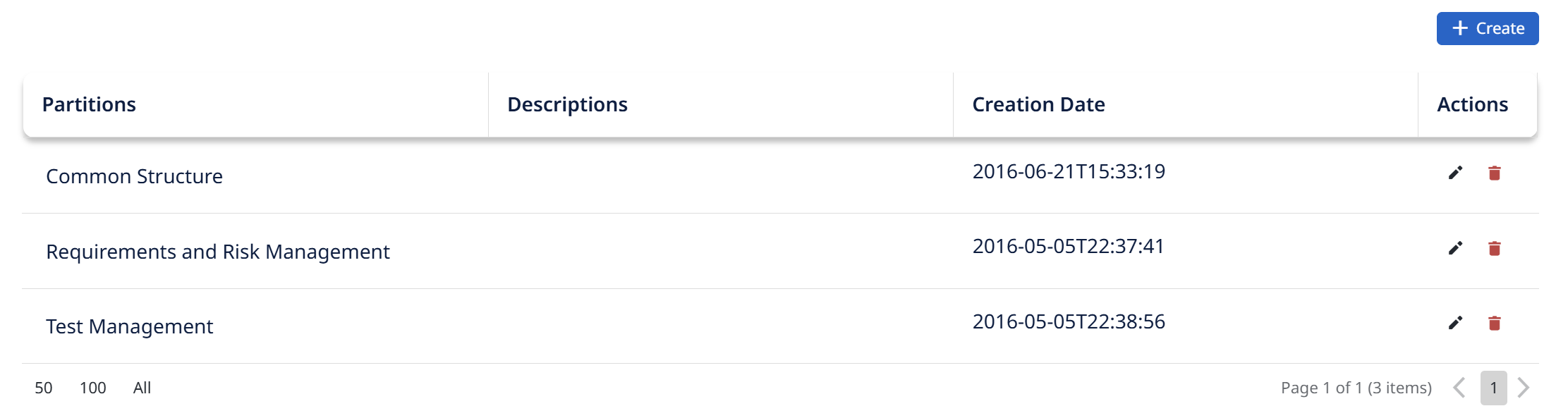
Partitions (access partitions) are how Visure segments a project so that different people can see and edit different parts of it. Every element — documents, items, attributes, workflows — belongs to an access partition, and a user's rights are granted per partition.
Use partitions to, for example, let one team edit the requirements while another only reads them, or to keep a sensitive document visible to a limited group. When you create documents, items, or attributes elsewhere in Visure, the Access Partition field you pick is drawn from the partitions defined here.
This tab is where you create and manage the project's partitions. Partitions and Groups work together: partitions define what areas exist, and Permissions Management defines what each group can do in each partition.