
How to use Data Models
In the Element Types Panel, the 
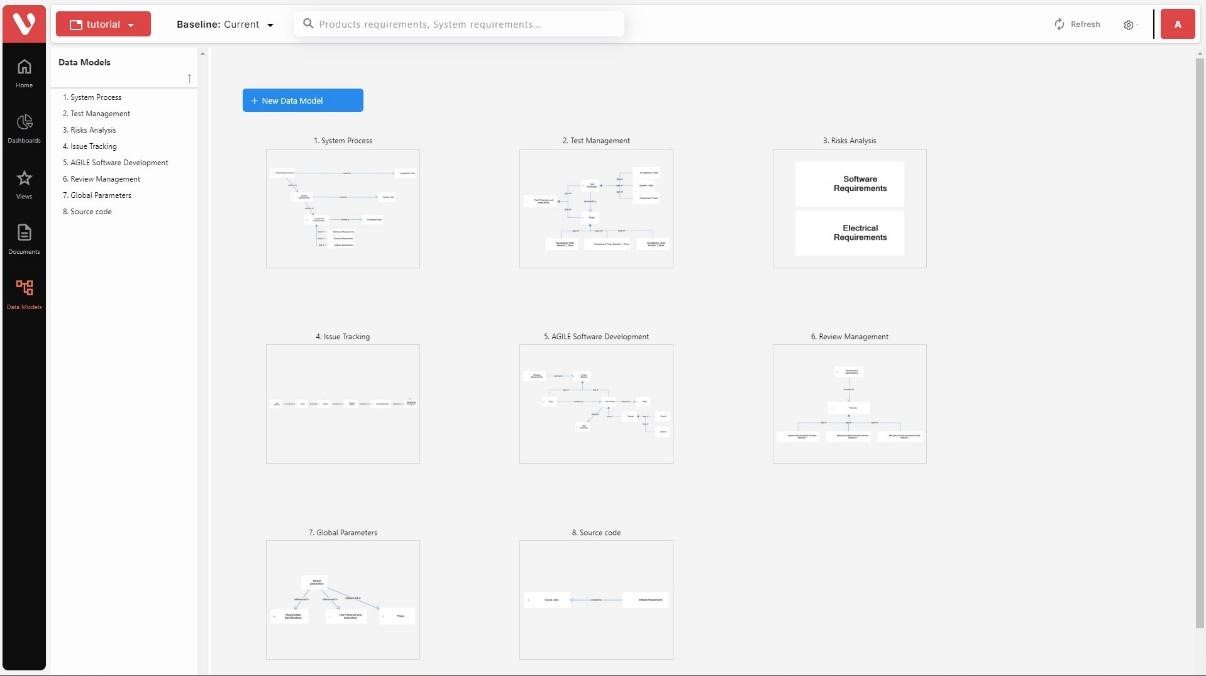
In this page the list of data models available in the project is shown in a list to the left of the screen (Browser) and as thumbnails in the center of the screen. From this view the user can navigate through the data models.
Selecting a data model
Clicking on the name of the data model in browser or on the icon, the data model will be displayed, and the specifications included in it will be listed in the Browser.
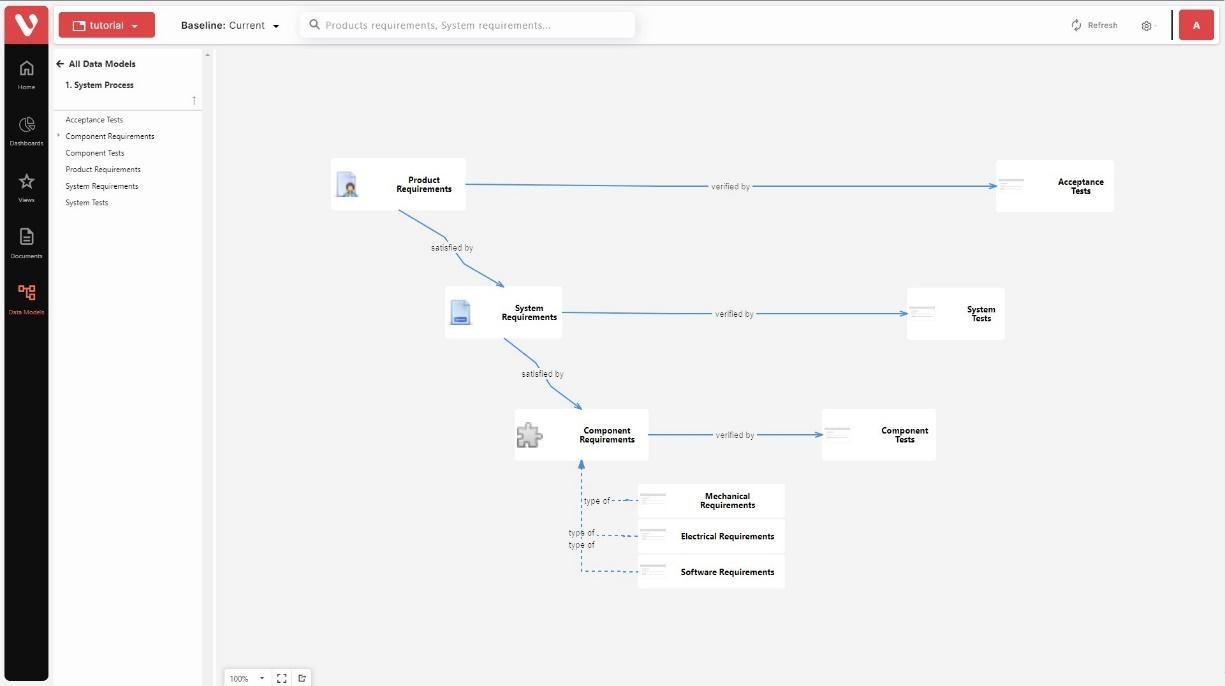

- Zoom in/out.
- Open the diagram in full-screen mode.
- Export the diagram.
Check this video to see how the editing mode works: