
Adding Columns
When List View type is selected, the user can select the columns to be displayed by clicking on the Column Chooser icon (
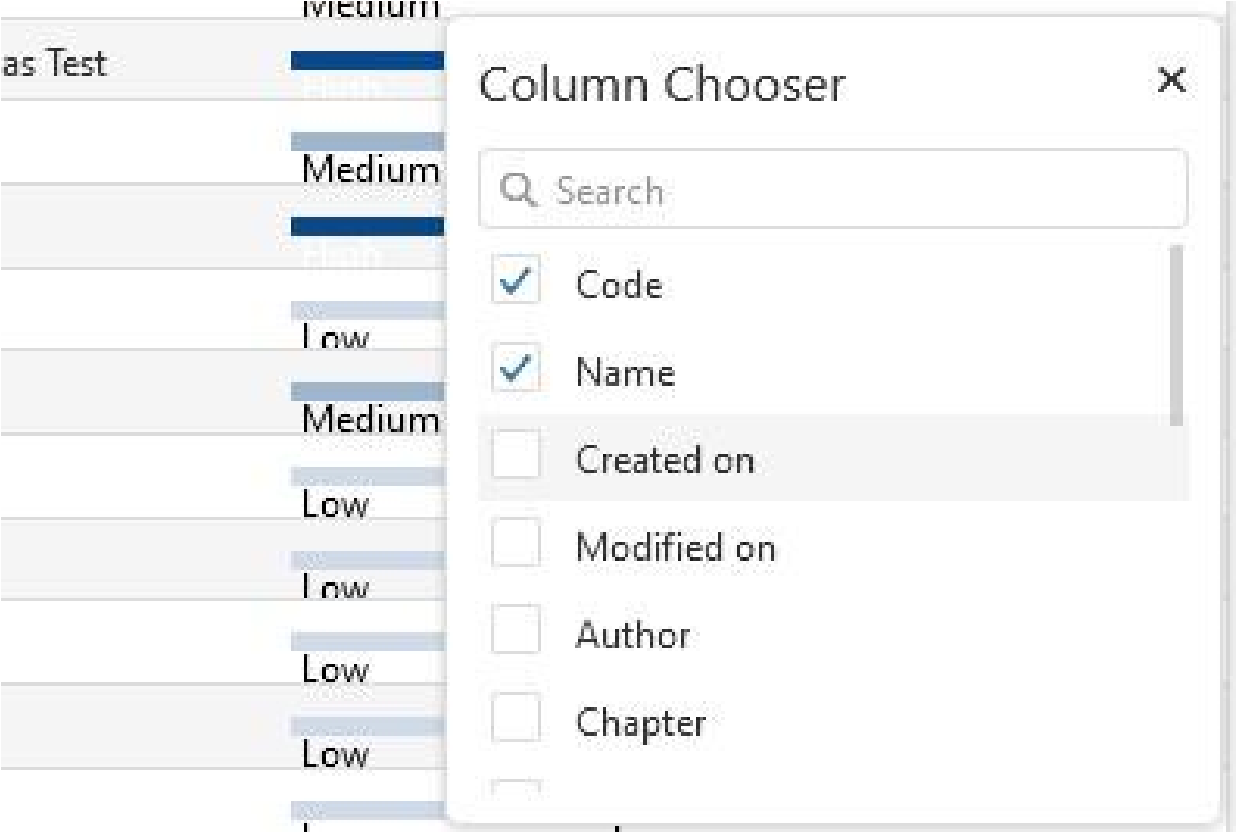
NOTE: Only the attributes relevant for the displayed specification or to all items in the project shall be available for selection (that is, the attributes for which the Scope includes the items displayed in the view).