Templates
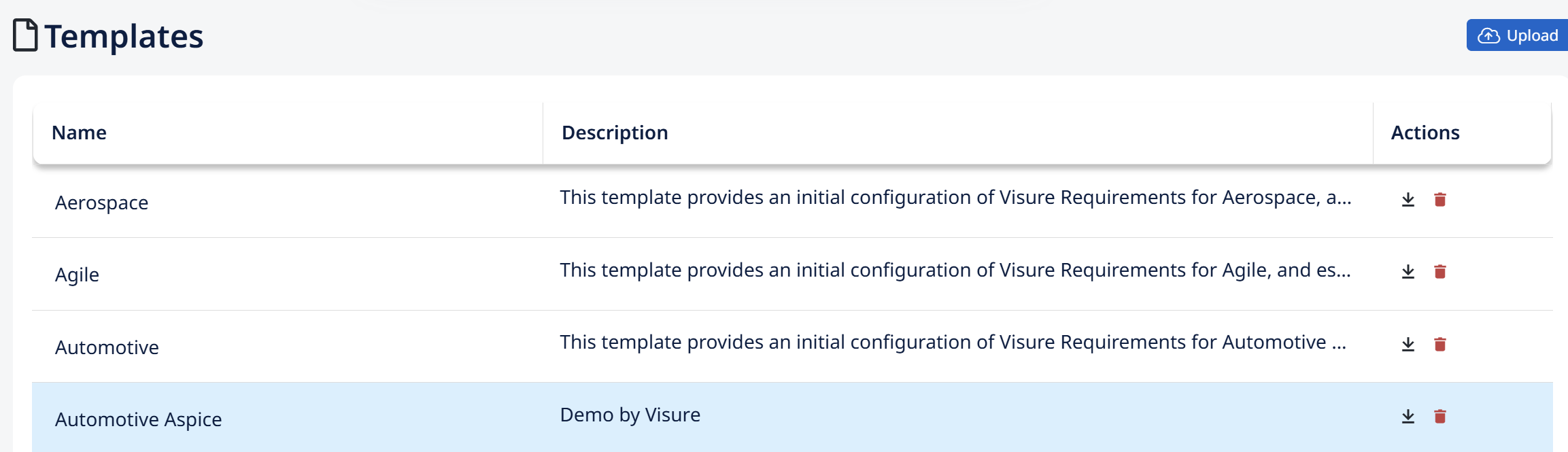
The Templates section holds the project templates — the same ones created with Create Project Template on the Projects tab. From here you manage the template files themselves: download, upload, and delete.
- Download — export a template to a file, so you can back it up or move it to another repository.
- Upload — add a template file to this repository, making it available as a base for new projects. This is how you bring a template created elsewhere into your repository.
- Delete — remove a template from the repository.
Deleting a template is permanent — there's no restore. Unlike projects (which go to the recycle bin and can be restored), a deleted template cannot be recovered. If a template still has any value, download it first before deleting, so you keep a copy you can re-upload later.