
Connect the MCP to ChatGPT
ChatGPT supports MCP connectors through Apps/Connectors (Plus and Enterprise plans). (Complete the MCP prerequisites first.)
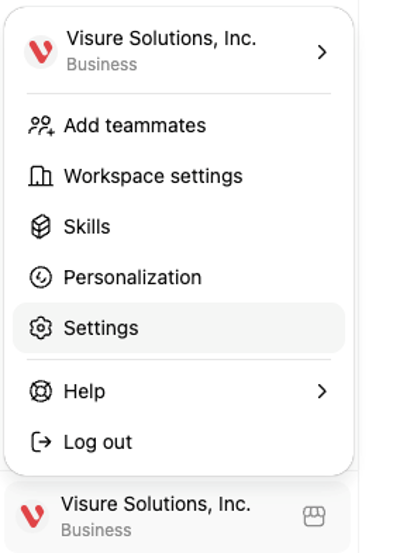
- Log in to chatgpt.com → profile icon → Settings.
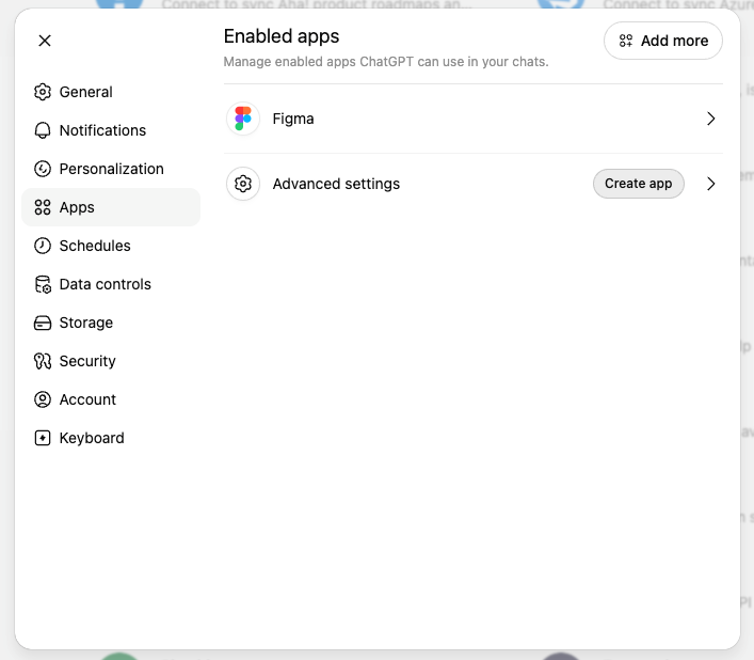
- Click Apps.
- Go to the Connectors / Integrations tab (label varies by plan).
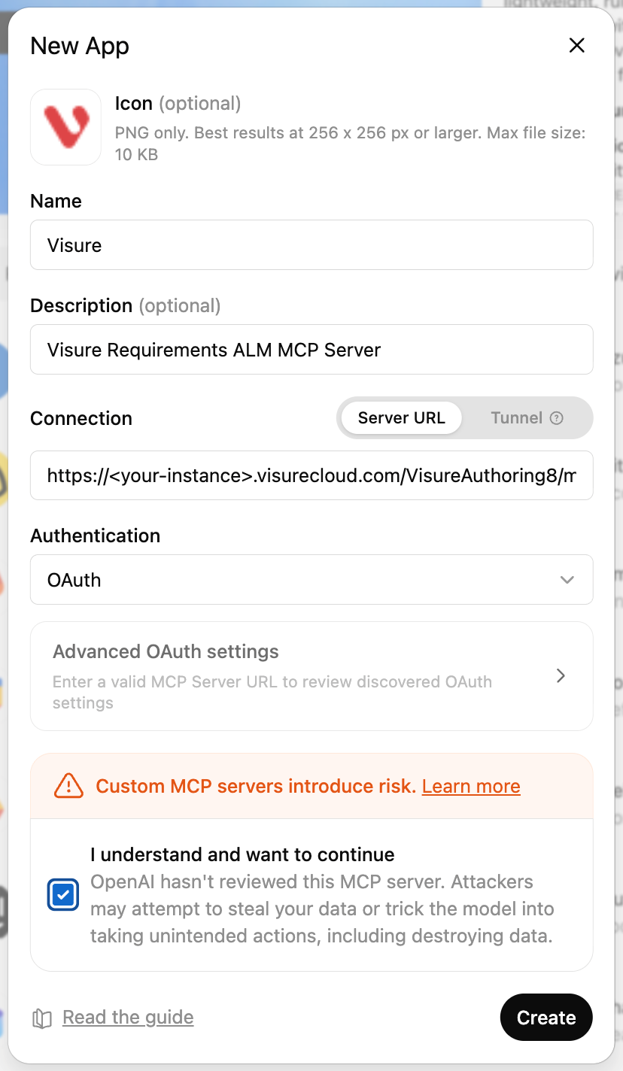
- Click Create app and enter Name, Description, Connection (Server URL), and Authentication. Read and enable the disclaimer to proceed.
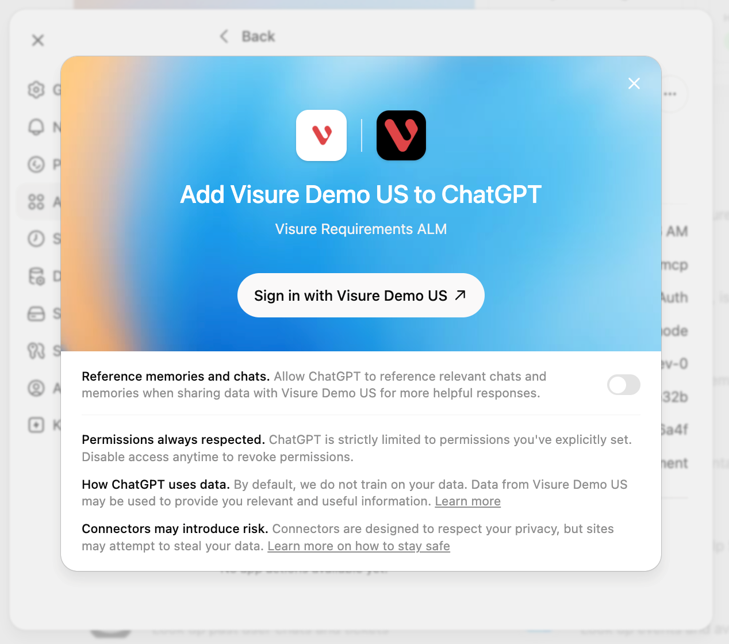
- Click Create — you'll get a confirmation.
- Reference the Visure connector in a conversation and ChatGPT reads from and writes to your instance.
In ChatGPT you may need to mention the Visure connector at the start of a conversation for it to be used.