
Purge a project
Purging a project does not delete the project or its current content. It's pure housekeeping: it destroys old item versions that aren't needed anymore so the database stays lean and runs smoothly. The current items stay exactly as they are — only redundant historical versions are removed.
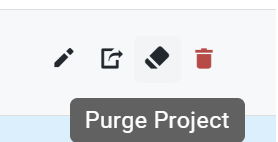
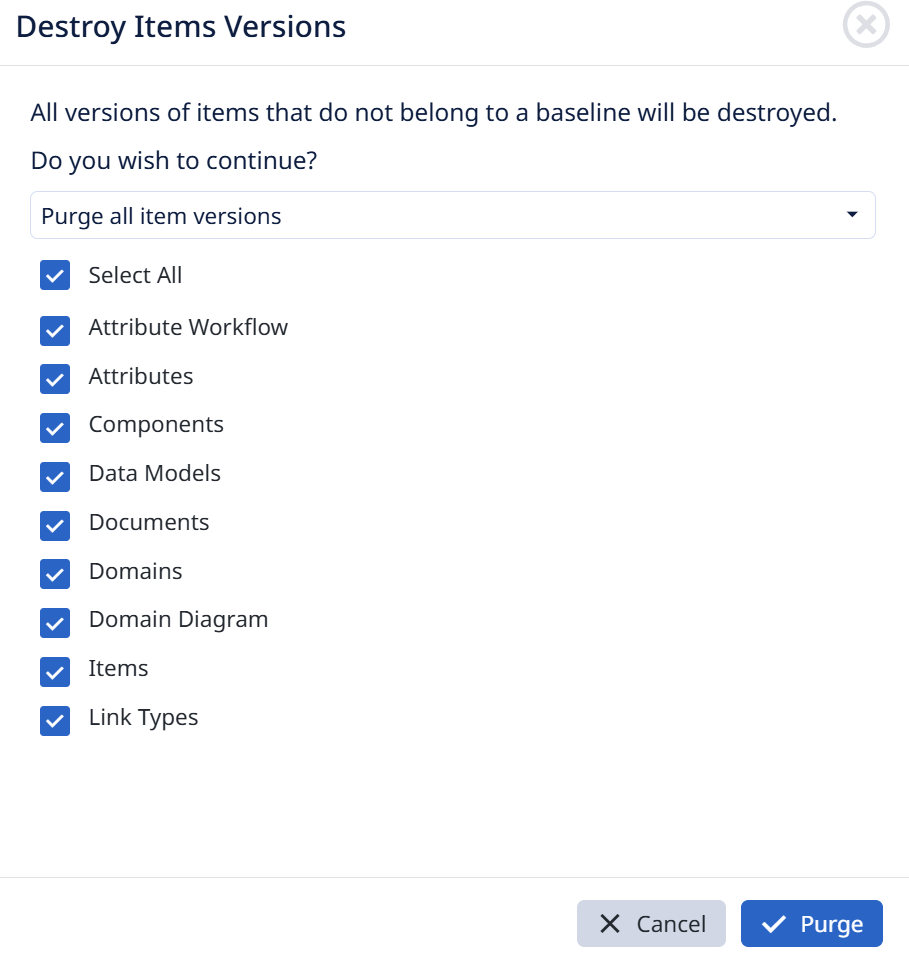
Trigger it from the Projects tab; the Destroy Items Versions dialog opens.
- A warning explains that all versions of items that don't belong to a baseline will be destroyed.
- Choose the purge scope from the dropdown — e.g. Purge all item versions.
- Check which element types to purge versions for: Select All, or individually — Attribute Workflow, Attributes, Components, Data Models, Documents, Domains, Domain Diagram, Items, Link Types.
- Click Purge (or Cancel to back out).
What's protected: versions captured in a baseline are never destroyed — that's why baselines matter for your audit trail. Purge only removes the in-between versions that no baseline references, so your history at each baseline stays intact while the clutter between baselines is cleared.
This is the same concept as the purge step when creating a complete baseline, just run on demand from the Projects tab. It's an administrator action and can't be undone, but because it only touches non-baselined versions, it doesn't affect current data.