Delete an item
Deleting an item removes it from the document. Like documents and folders (Section 1.2), deletion is not permanent — deleted items can be recovered within a configurable retention period.
Delete is a modification, so you need to check out the item first. There's no separate check-in afterward — the delete completes in one step.
To delete an item:
- Check out the item —
Alt + O, right-click →Check Out, or click the Check out icon. The color bar turns green. - Right-click the item.
- Choose Delete.
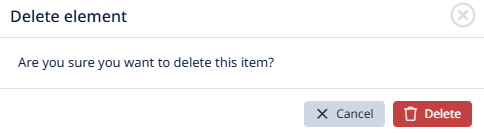
- Confirm in the dialog.
The item disappears from the document. Any child items it had are deleted in the same operation. Any traceability links to or from the deleted item are also removed.
To recover a deleted item, see the recovery flow in Section 1.2 (Article 7 — Recover a deleted document or folder). The same mechanism applies to items, though the path through the UI may differ slightly — confirm in your installation.