Delete a Project
Deleting a project on the Projects tab is a soft delete — the project isn't erased, it's moved to the recycle bin, where it can be restored later. This makes it safe to remove projects you think you're done with, without permanently losing anything.
To delete a project:
- On the Projects tab, find the project in the list.
- Click the Delete (trash) icon in its Actions.
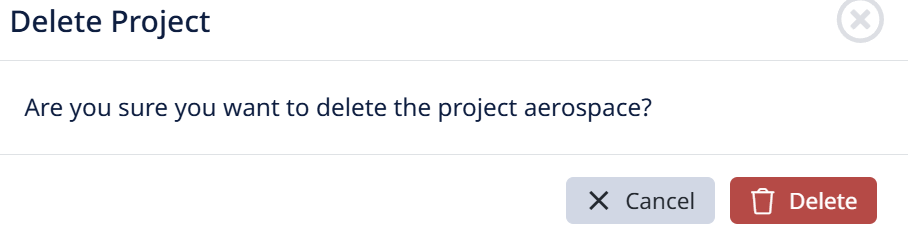
- Confirm. The project is removed from the active list and moved to the recycle bin.
To restore a deleted project:
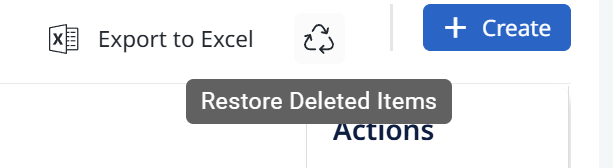
- Open the recycle bin (the restore/recycle icon near the top of the Projects list).
- Find the deleted project.
- Choose Restore — the project returns to the active list with its content intact.