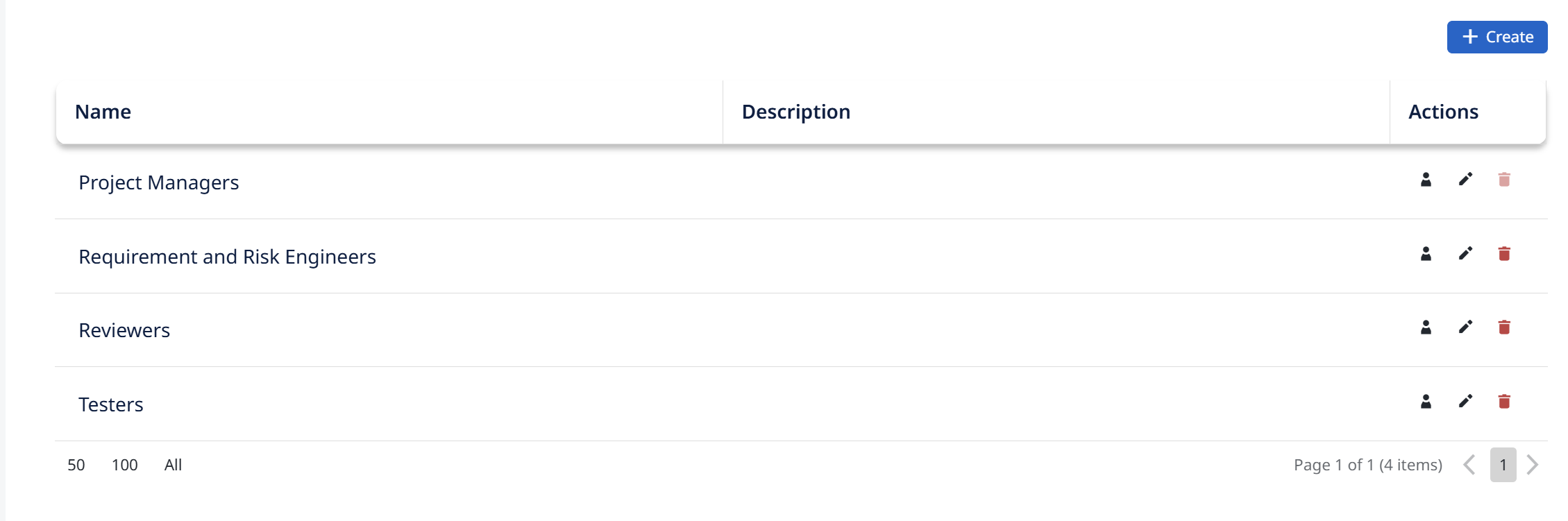
Groups settings
Groups are the user groups defined for the project. A group bundles users together so that permissions, workflow rights, and shared views can be assigned to the group rather than to each person individually — for example a QA Group for testers, or a group for reviewers.
Groups matter beyond just organizing users:
- Permissions are assigned per group (see Permissions Management).
- Workflow transitions can be restricted to specific groups — only members of an allowed group can move an item through that transition.
- Shared views are shared to groups, so everyone in the group sees the same view.
From this tab you create the project's groups, define them early and keep the set small and meaningful.